

The PMF survey question is deceptively simple. Asking “How would you feel if you could no longer use this product?” is easy. Choosing the right product-market fit survey tool is harder. You need to reach users who have experienced value, not just anyone who signed up last week. You need them inside the product while they are active.
While most tools can handle the question, few handle the conditions. General form builders lack built-in targeting. Email-based tools miss active users. Enterprise platforms bundle surveys into expensive suites that cost more than the insights are worth. Pulseahead focuses on in-product surveys specifically for SaaS.
If you are comparing broader survey software for SaaS, start there first. This page is narrower: product-market fit survey software that can deliver the Sean Ellis survey in-product, target the right users, and help you analyze the open text without a spreadsheet export every week.
These seven tools were evaluated specifically for measuring product-market fit for SaaS products.
What Makes a Good Product-Market Fit Survey Tool
Before looking at tools, it is worth being clear on what running a PMF survey correctly actually requires. These criteria are what separate a meaningful study from a noisy one.
The 4-question structure is non-negotiable. The Sean Ellis framework requires: disappointment level (MCQ), ideal customer type (open text), main benefit received (open text), and improvement suggestions (open text). A tool that cannot support both MCQ and open-ended questions in a single flow cannot run this survey correctly.
Survey only users who have experienced value. The framework is explicit: target users who have used the product at least twice in the past two weeks. Surveying anyone earlier produces misleading scores.
One-time exposure per user. Re-surveying the same user skews the “very disappointed” percentage. The survey should fire once per user, ever.
In-product delivery, not email. Email reaches users who happen to open it that week. In-product reaches users who are actively engaged. The response populations are different, and so are the scores.
Automatic score calculation with sample guidance. The PMF score is (“very disappointed” responses / total responses) × 100. The 40% threshold is Ellis’s benchmark for meaningful fit. The tool should surface this number automatically and warn when the sample is below ~40 respondents.
Segmentation, not just collection. The score is the starting point. Cutting open-text responses by disappointment level, filtering Q3 and Q4 within specific segments, and identifying the main benefit the “very disappointed” cohort values is where the analysis actually happens. A tool that cannot do this forces a spreadsheet export for every insight.
Continuous deployment. A single run tells you where you are. Rolling automated deployment to new eligible users, with score tracking over time, is what turns PMF measurement into a planning tool.
Quick Comparison: Best Product-Market Fit Survey Tools for SaaS
| Tool | Best For | Starting Price | Free Plan |
|---|---|---|---|
| Pulseahead | In-product PMF with contextual targeting and flat pricing | $48/mo | Yes (100 responses/mo) |
| Refiner | SaaS teams needing Segment/Mixpanel integration | $99/mo | Yes (25 responses/mo) |
| Satismeter | Focused NPS, CSAT, CES, and PMF survey delivery | $199/mo | Yes (25 responses/mo) |
| Survicate | In-product PMF with CRM-driven targeting | $89/mo | Yes (25 responses/mo) |
| Typeform | Quick PMF baseline from a manually-curated early customer list | $39/mo | Yes (10 responses/mo) |
| Qualaroo | In-product PMF with automated sentiment analysis | $69.99/mo | Yes (50 total responses) |
| SurveyMonkey | Enterprise teams running PMF alongside broader research | ~$90/mo (3-user min) | Yes (25 responses/mo) |
1. Pulseahead: Best for In-Product PMF with Flat, Predictable Pricing
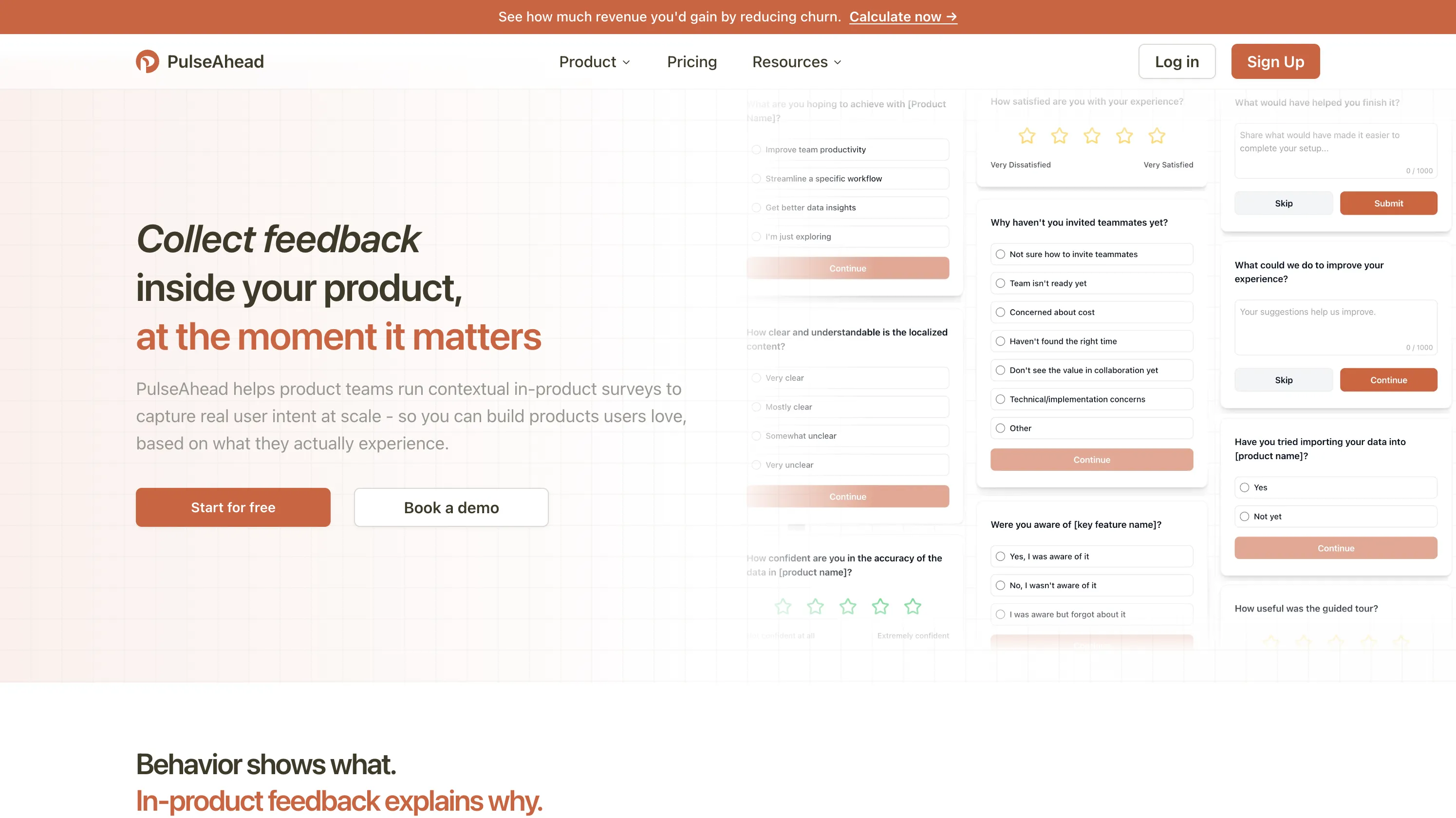
Pulseahead is built specifically for SaaS in-product surveys. The PMF survey ships pre-configured with the Sean Ellis question set and timing defaults that match a typical PMF rollout, reducing setup time to minutes.
What it does well for PMF:
- Session count and days-since-signup targeting. Target users after enough product exposure to form a real opinion. Set the PMF survey to fire after a threshold like 14 days or a minimum session count without writing custom code.
- User attribute targeting. Segment by plan tier, company size, or any attribute sent via the identify API. Compare PMF scores across paid vs. free segments from the start.
- Pre-built SaaS Feedback Pack & Unified Insights. Deploy the PMF survey alongside five other essential lifecycle surveys through the SaaS Survey Pack. The value is not just the PMF template. You can launch the full pack together, tune the core timing rules quickly, and review results through a unified dashboard instead of wiring each survey separately.
- Flat pricing with generous response pools. Core plan is $48/month for 5,000 responses. See pricing for more details. No MAU tiers, no overage charges. Your PMF score going up does not make your bill go up.
Where it falls short: Web-only. No native mobile SDK. If your product has a mobile app, you would need a separate tool to cover that channel.
Pricing: $48/month (Core), 5,000 responses/month. Free plan: 100 responses/month, 2 active surveys.
Best for: SaaS product teams who want contextual targeting, PMF timing defaults, and pricing that stays flat as the product grows.
A SaaS survey tool that checks all the boxes, affordably.
2. Refiner: Best for SaaS Teams with Data Stack Integrations
Refiner is built exclusively for SaaS micro-surveys, with PMF as an explicit use case alongside NPS and churn. The platform’s strongest differentiator is its data stack integrations: two-way sync with Segment, Rudderstack, Amplitude, and Mixpanel means every PMF response flows directly into your analytics infrastructure without a manual export step.
What it does well for PMF:
- Advanced user segmentation. Trigger PMF surveys based on plan type, onboarding milestone completion, or custom event history. More configuration surface than most tools in this category.
- AI response tagging. Automatically categorizes open-ended responses by theme and sentiment, useful when you are collecting hundreds of follow-up answers and need automated grouping.
- Multi-platform SDKs. Native JavaScript, iOS, Android, React Native, and Flutter support. If your product is mobile-first, Refiner covers delivery channels that web-only tools do not. For B2B SaaS products, which are almost always desktop-first, this is rarely a deciding factor.
- Unlimited responses on paid plans. Response count does not limit what you can collect.
Where it falls short: MAU-based pricing means your bill scales with your user base regardless of survey volume. Data stack integrations require the $239/month Growth plan.
Pricing: $99/month (Essentials, 5,000 MAU). Scales with MAU count. See Refiner pricing for more details.
Best for: SaaS teams with Segment or Mixpanel who want PMF data integrated into their existing stack.
3. Satismeter: Best for Teams Wanting a Focused NPS, CSAT, and PMF Tool
Satismeter is a focused survey tool designed specifically for NPS, CSAT, and CES and PMF. It does not try to be a product analytics platform or a generic form builder. If you want a lightweight tool that handles exactly these survey types with in-product delivery and basic segmentation, it covers the job without unnecessary complexity.
What it does well for PMF:
- Purpose-built for a handful of survey types. The PMF question set is a first-class use case, not an afterthought. Setup for a PMF study is faster than configuring a generic tool from scratch.
- In-product delivery across web and mobile. Web widget, iOS, and Android are all supported on the paid plan. For most B2B SaaS teams, web coverage is sufficient.
- Targeting by user attributes and events. Trigger the PMF survey based on user properties or custom events. Basic segmentation is available without requiring a data stack integration.
- Survey throttling and sampling. Built-in controls to prevent over-surveying and keep the experience from feeling intrusive.
- Productboard integration. As a Productboard acquisition, Satismeter has native integration to route PMF and NPS feedback directly into your product roadmap tool.
Where it falls short: The pricing cliff is steep. The free plan caps at 25 responses, and the only paid option jumps straight to $199/month for 1,000 responses and 10,000 active users, with no intermediate tier. The UI is visibly dated compared to newer tools in this category. The changelog shows no active development since September 2022, when the Productboard integration shipped, which raises real questions about long-term investment. Unless you are already on Productboard and want that native routing, the value case at $199/month is hard to justify over alternatives.
Pricing: $199/month (Growth, 1,000 responses/month, 10,000 active users). Free plan: 25 responses/month.
Best for: Teams using Productboard who want PMF feedback in their planning tool.
4. Survicate: Best for In-Product PMF with CRM-Driven Targeting
Survicate is a multi-channel survey platform with strong CRM integration. Its most useful capability for PMF work is triggering surveys based on attributes from HubSpot or Salesforce, which means you can target by plan tier, account stage, or any field already in your CRM without writing custom identify calls.
What it does well for PMF:
- 70+ native integrations. HubSpot, Salesforce, Slack, Segment, Mixpanel, and Amplitude. Routing PMF data into your CRM for follow-up conversations is straightforward.
- Targeting by CRM attributes. Trigger the PMF survey based on data already in HubSpot or Salesforce without writing custom identify calls.
- Pre-built PMF template. The question set is ready to deploy. Starting from blank is optional.
Where it falls short: Event-based triggering, targeting by user segments (role, plan, company) and JavaScript API control over survey targeting are both locked behind the Growth plan or above, which requires an annual commitment. Pulseahead includes all of these targeting capabilities in its Core plan at $48/month, with no MAU limits and no annual commitment required.
Pricing: $89/month (Starter, 100 responses). Event-based targeting requires Pro at $349/month. Attribute/JS targeting requires Growth (annual commitment only). See Survicate pricing for more details.
Best for: Teams using HubSpot or Salesforce as their primary source of truth for user segments who are willing to commit to a Pro or Growth plan for behavioral targeting.
For Survicate alternatives, check out our guide to the best Survicate alternatives.
5. Typeform: Best for Quick Link-Based PMF with Early Customer Lists

Typeform is the default for founders running the Sean Ellis survey via a shared link. Its conversational UI yields higher completion rates for short, manual studies.
What it does well for PMF:
- Polished survey experience. Completion rates on Typeform tend to be higher than standard form layouts. For link-based PMF surveys sent to a customer list, this matters.
- Logic jumps. Branch to different follow-up questions based on the primary PMF answer. “Very disappointed” users can get one path; “not disappointed” users get a different one.
- 120+ integrations. Route responses to HubSpot, Airtable, Google Sheets, or Slack without manual CSV export.
Where it falls short: There is no in-product delivery and no behavioral triggers. To target the right users, you have to manually build a list outside your product, export it, and send the survey link yourself. Response caps are aggressive: 100 responses/month on the $25/month Basic plan. Running a continuous study requires the Business plan at $83-99/month.
Pricing: ~$39/month (Basic, 100 responses). ~$129/month (Business, 10,000 responses).
Best for: Founders who need a quick baseline from a hand-picked list of customers before they have in-product instrumentation.
6. Qualaroo: Best for In-Product PMF with Automated Sentiment Analysis
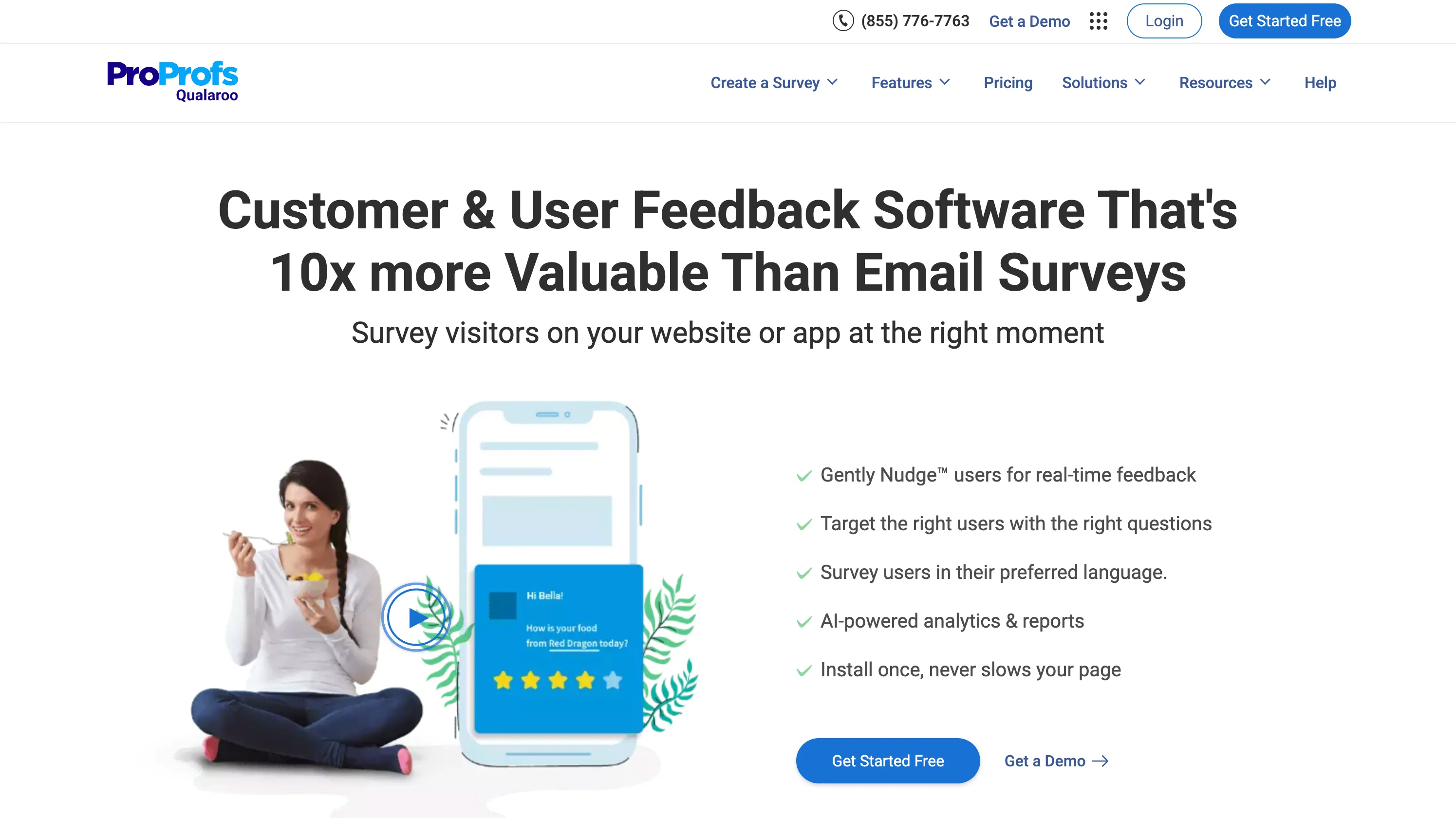
Qualaroo’s core feature is a bottom-corner survey widget that triggers inside your product. It supports PMF, NPS, and CSAT surveys with automated sentiment analysis powered by IBM Watson on open-text responses. For teams collecting large volumes of open-ended PMF follow-ups and needing automatic theme detection, that is a genuine capability gap over simpler tools.
What it does well for PMF:
- IBM Watson sentiment analysis. Categorizes open-text responses by theme, polarity, and keyword frequency automatically. Useful for PMF studies where manual coding of hundreds of verbatim responses is the bottleneck.
- Exit-intent triggers. Surface the PMF survey to users before they leave the product. Useful for capturing at-risk segments alongside your standard triggered study.
- Granular targeting. Trigger surveys based on custom user properties and behavioral actions on the Business plan and above.
Where it falls short: The platform UI is frequently described as dated. Removing “Powered by Qualaroo” branding costs an additional $30/month. Segment, Slack, and HubSpot integrations are locked behind Enterprise.
Pricing: $69.99/month (Business, in-product surveys). $149.99/month (Enterprise, annual only) for advanced targeting and mobile SDK. Add $30/month to remove Qualaroo branding.
Best for: Teams where analyzing hundreds of open-text responses is the primary bottleneck.
7. SurveyMonkey: Best for Enterprise Teams Running PMF Alongside Broader Research

SurveyMonkey is the horizontal survey platform many enterprise research teams already have. It is not optimized for SaaS in-product delivery, but it has the deepest reporting, the broadest integration library (285+ connectors), and an external respondent panel if you want to benchmark your PMF score against the broader market rather than just your current user base.
What it does well for PMF:
- Cross-tab reporting. Slice PMF responses by any attribute with statistical significance testing out of the box.
- Team collaboration. Shared libraries and multi-user review workflows for teams with multiple stakeholders in the research process.
- Market research panel. Run your PMF survey against SurveyMonkey Audience respondents to benchmark beyond your existing customers.
Where it falls short: Primarily email and link-based. In-product delivery exists but lacks behavioral triggering. Seat-based pricing with a 3-user minimum ($90/month for Team Advantage) assumes a research team rather than a solo PM or founder. The pricing model adds unnecessary complexity for small SaaS teams.
Pricing: ~$90/month (Team Advantage, 3-user minimum, 50,000 responses/year). Individual plans start at ~$39/month.
Best for: Enterprise teams who already use SurveyMonkey for broader research programs.
How to Choose a PMF Survey Tool for SaaS
A note before filtering: email-based delivery and native mobile app support are often listed as differentiators, but neither matters much for B2B SaaS PMF. Email reaches whoever opens it that week, not whoever is actively engaged with your product. Most B2B SaaS products are desktop-first. In-product web delivery is what counts here.
If you are specifically asking what survey software supports product-market fit analysis, the practical shortlist is this one. Pulseahead, Refiner, Survicate, Satismeter, and Qualaroo handle in-product PMF workflows. Typeform and SurveyMonkey can still work for one-off, link-based studies.
If you want in-product delivery with contextual targeting, automatic score tracking, and flat pricing: Pulseahead is the strongest fit. Session-count rules, user attributes, a pre-built PMF template, and a live score dashboard give you a strong PMF setup at $48/month flat. Qualaroo covers similar ground and adds automated sentiment analysis on open-text responses, though behavioral targeting and integrations are locked behind higher plans.
If you are running your first PMF study and have no in-product instrumentation yet: Typeform or SurveyMonkey. Send a link to a hand-picked list of active customers and get a baseline score quickly. Neither enforces behavioral targeting, but for a one-time study with a manually curated list, that is acceptable. If you want to do it right from the start, the Pulseahead SaaS Survey Pack ships with a pre-configured PMF survey and trigger rules, so getting it live in-product takes minutes.
If your data stack includes Segment, Mixpanel, HubSpot, or Salesforce and you need PMF data flowing in automatically: Refiner (Segment, Mixpanel, Amplitude) and Survicate (HubSpot, Salesforce) both handle this well. Note that Survicate requires the Pro plan ($349/month) for event-based behavioral triggering; on Starter, you can show the survey but not target by user activity.
If your primary concern is analyzing open-text PMF follow-ups at scale: Qualaroo or Refiner. Both offer automated response categorization (IBM Watson on Qualaroo, AI tagging on Refiner) that saves meaningful time when coding hundreds of verbatim answers.
Bottom Line
PMF survey quality comes down to two things: reaching the right users at the right moment, and doing it without having to rebuild targeting logic every time you need to re-run the study. Email-based tools and form builders can ask the question but miss the timing. Enterprise platforms get the timing right but charge accordingly.
The teams who find PMF signal use it iteratively: survey a cohort once they have formed an opinion, ship improvements, survey the next cohort. A tool that makes setup low-friction on the first run and does not require manual re-configuration for subsequent cohorts is worth more than one that makes the survey look slightly prettier.
Try Pulseahead free and run your first in-product PMF survey against a targeted segment in under 10 minutes.