
Deliver feedback surveys
to the right user
at the right moment
In-product surveys and website surveys with precise survey triggers, all managed from one platform. One install by engineering, then every survey is fully self-serve. All responses appear in the same dashboard.
No credit card required · All distribution options included
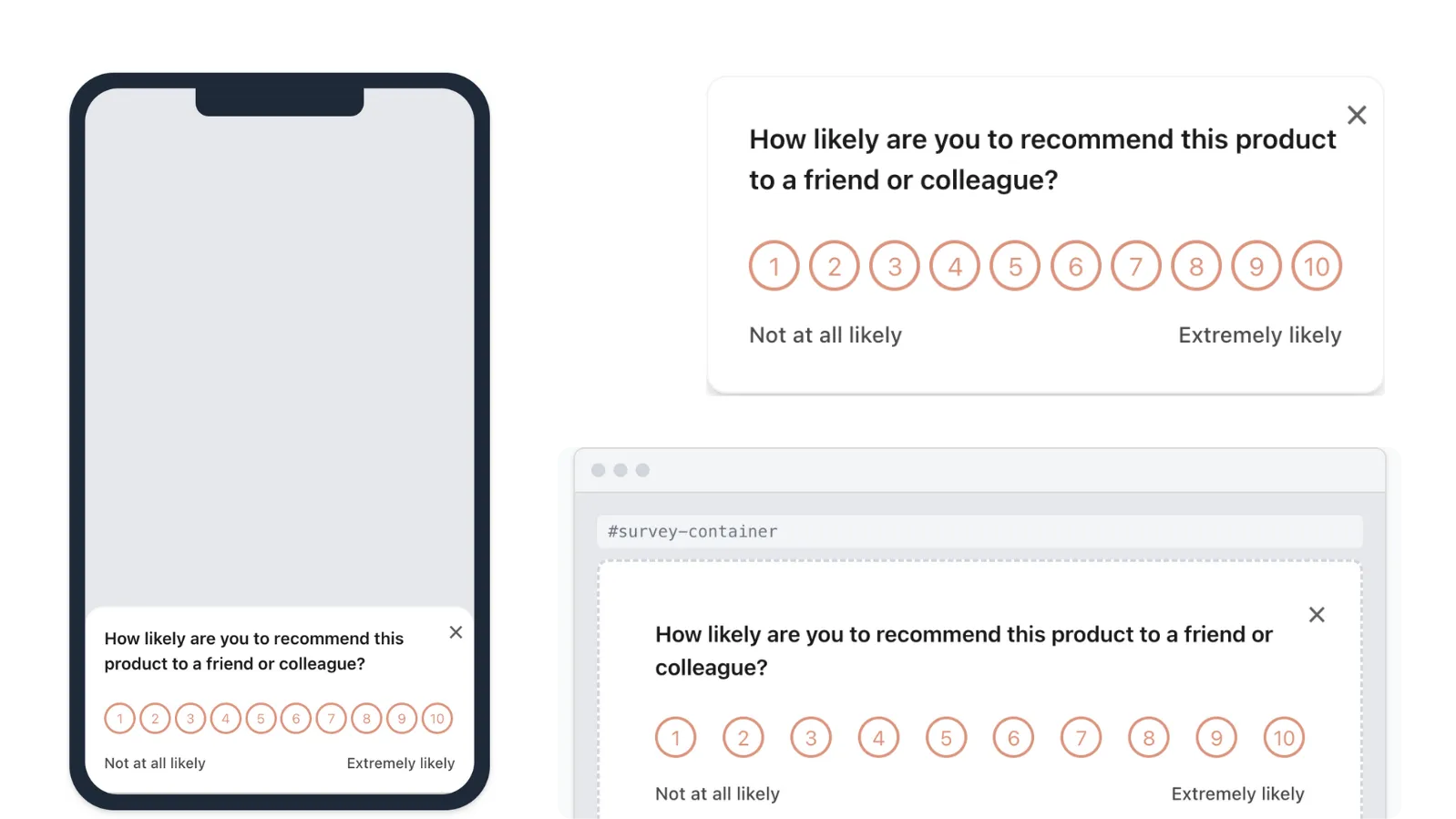
Different moments require
different channels
In-product surveys reach your active users at the moment they're engaged. Website surveys capture visitors and prospects who haven't signed up yet. Together they cover your entire audience.
Website Surveys
Embed surveys on your marketing site, docs, or landing pages. Target by exact URL to reach visitors and prospects before they sign up.
Pre-signup objections, doc feedback, landing page testing, visitor research
In-Product Surveys
Show surveys inside your product while users are actively engaged. Response rates are 3-5x higher because the question is contextual and shown at exactly the right moment.
User profile, onboarding experience, NPS, PMF, feature feedback
Show the right survey
at the right moment
Channels determine where a survey appears. Triggers determine when and to whom. Pulseahead lets you combine URL rules, session count, time on page, time since signup, and device or location conditions — so surveys fire at exactly the right moment for the right audience.
Explore survey triggersTarget by exact URL, regex patterns, or negation — scope any survey to exactly the right pages.
Fire a survey after a user has spent a defined amount of time on a page.
Show surveys based on how many sessions a user has had — ideal for onboarding or retention timing.
Trigger surveys at key milestones after a user first signed up.
Narrow your audience by operating system, browser, or geographic location.
Reach users wherever they are.
No extra tools required.
In-product and website surveys with trigger-based targeting — all from one platform, all responses in one dashboard.
Common Questions
Everything you need to know about survey distribution in Pulseahead.
Do I need to involve engineering every time I want to run a survey?
Only for the initial script installation, which is a one-time task. After that, creating, modifying, targeting, and deploying surveys across all channels is fully self-serve. Engineering's involvement ends at install.
What distribution options are available?
In-product surveys (docked widget, inline embed, or modal), website surveys (on any page where the script is installed), and survey triggers (URL rules, time on page, session count, time since signup, OS, browser, and country). All options are available on all paid plans.
How do I prevent users from being over-surveyed?
Pulseahead has per-survey frequency caps and a global cooldown setting. Once a user has seen a survey, the global cooldown prevents them from seeing another until the cooldown window has passed — across both in-product and website channels.