
Collect feedback from anonymous visitors,
before they become users
Survey visitors on your pricing, landing, marketing and docs pages. Understand what brings people to your product and what's stopping them from signing up.
No credit card required · Works on any website
Every page is an opportunity
to understand what visitors need
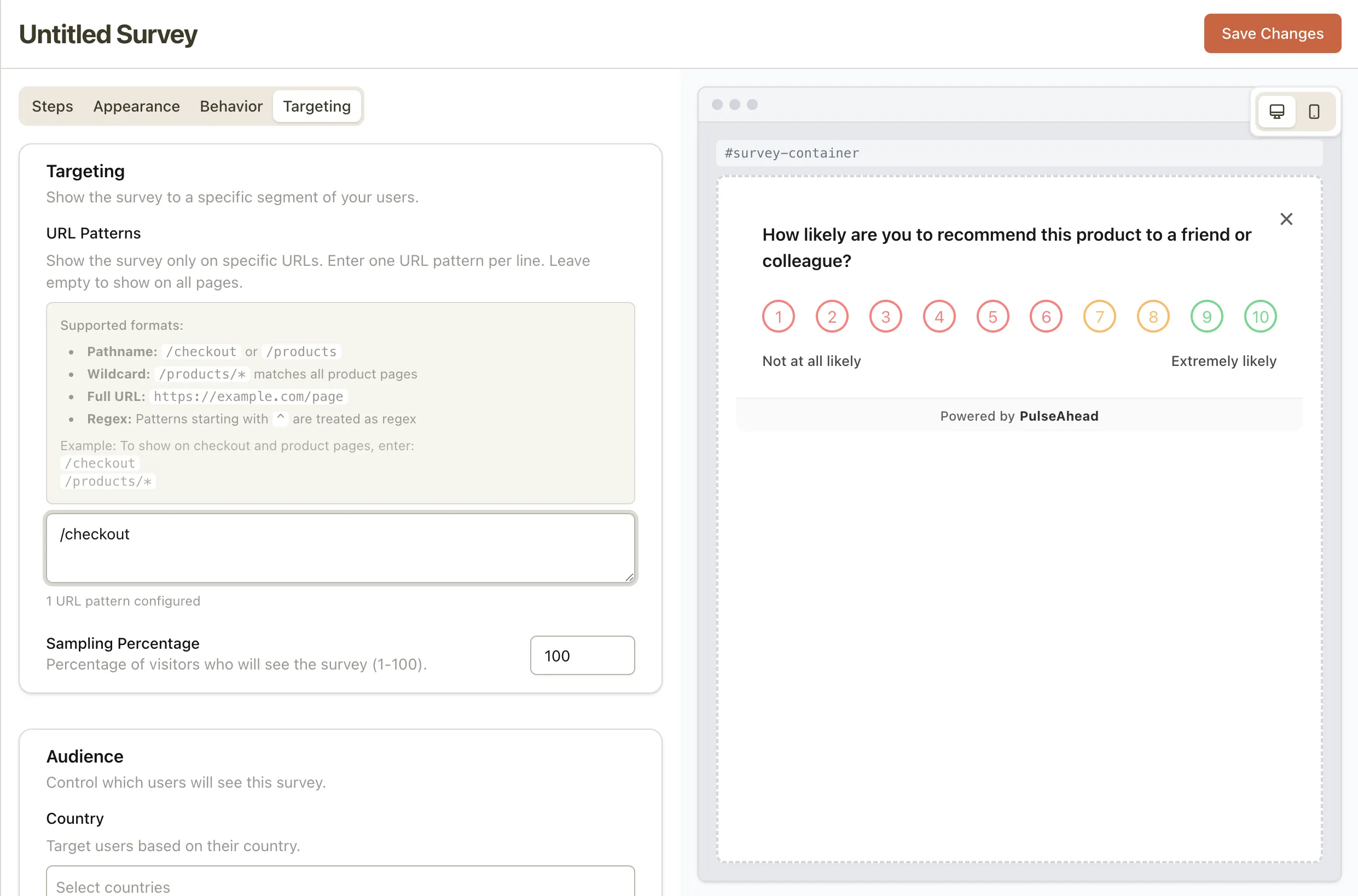
Different pages attract different visitor intentions. The right survey question depends on why someone is on that page — and URL targeting lets you match the question to the context.
Understand objections before visitors leave — not after they churn.
Find the documentation gaps that create support tickets.
Validate messaging with real visitor intent — not assumptions.
Content strategy data directly from the audience you're trying to reach.
Know exactly who your competitors are sending your way — and what it would take to switch them.
Personalise outreach before a single conversation happens.
Start capturing feedback
from visitors, not just users.
URL targeting and pre-signup feedback — one script install on any website.
Common Questions
Everything you need to know about website surveys in Pulseahead.
Can I embed a survey on a specific page of my website?
Yes. You target by exact URL, URL pattern (e.g., /docs/*), subdomain, or regex. The script reads the current URL and shows the matching survey automatically. No per-page code changes required after the initial install.
Does this work on marketing pages, not just inside the product?
Yes — website surveys are specifically designed for your public-facing site. Pricing pages, landing pages, documentation, blog content — any page where the script is installed. You can capture feedback from visitors who have never signed up.
How do I embed it — iframe, script tag, something else?
You add a JavaScript snippet to your website — the same script used for in-app surveys. No iframes, no per-survey code changes. Once the script is installed, all survey display logic is handled server-side through Pulseahead.