
Make every feedback survey feel like it was built in-house
Surveys that match your product UI feel native — not intrusive. Customize colors, widget type, and placement. Remove all PulseAhead branding. Deliver feedback collection that users don't register as a third-party tool.
No credit card required · Full customization on all plans
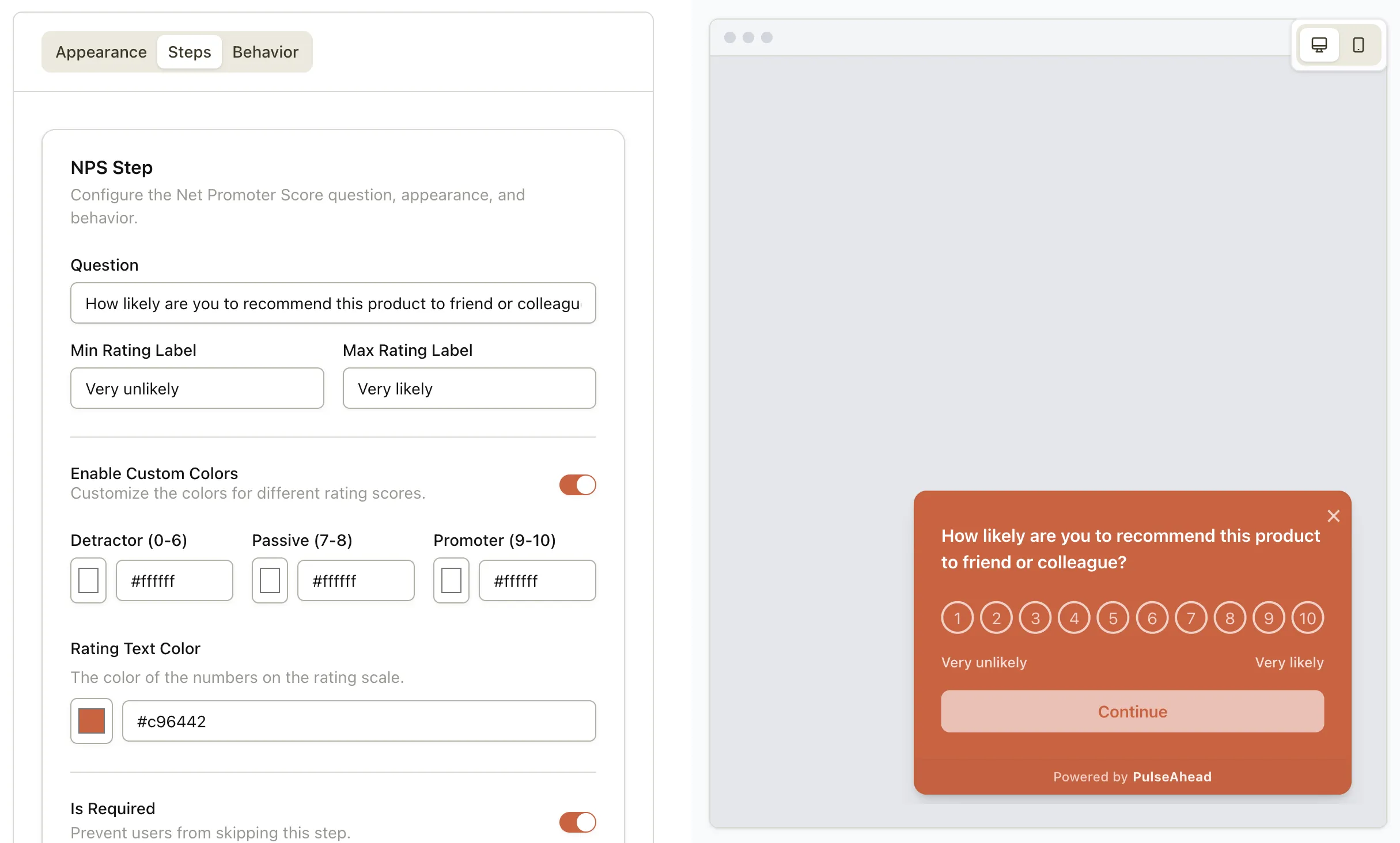
Design quality drives response rates.
This isn't just aesthetic.
The moment a user sees a survey that looks like a third-party widget, their guard goes up. Off-brand design signals "this is a vendor's tool" — and completion rates drop accordingly.
Native feel = higher trust
Surveys styled to match your product feel like a natural part of the experience. Users are more willing to engage when it doesn't feel like a cold handoff to a vendor survey tool.
Consistency = more completions
Jarring visual breaks — mismatched colors, unfamiliar button styles — create friction. Every mismatch is a reason to close the survey instead of answering it.
Branding = no survey fatigue
Third-party survey widgets that look like everyone else's get dismissed on sight. Surveys that look like your product are processed as product UI — not as an interruption.
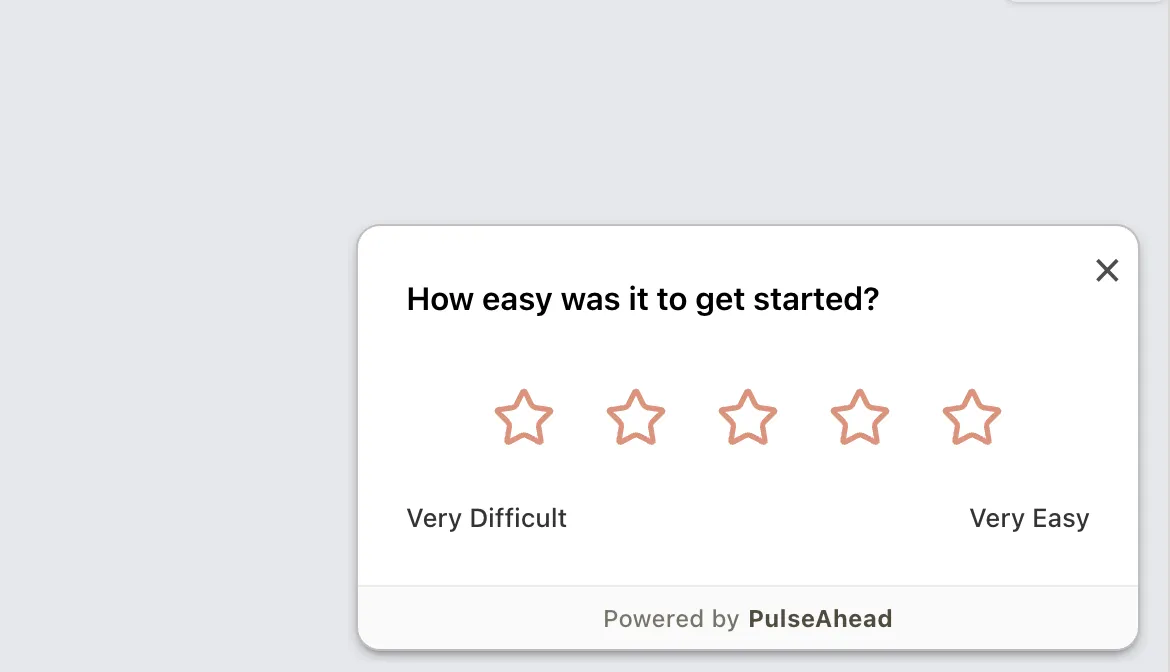
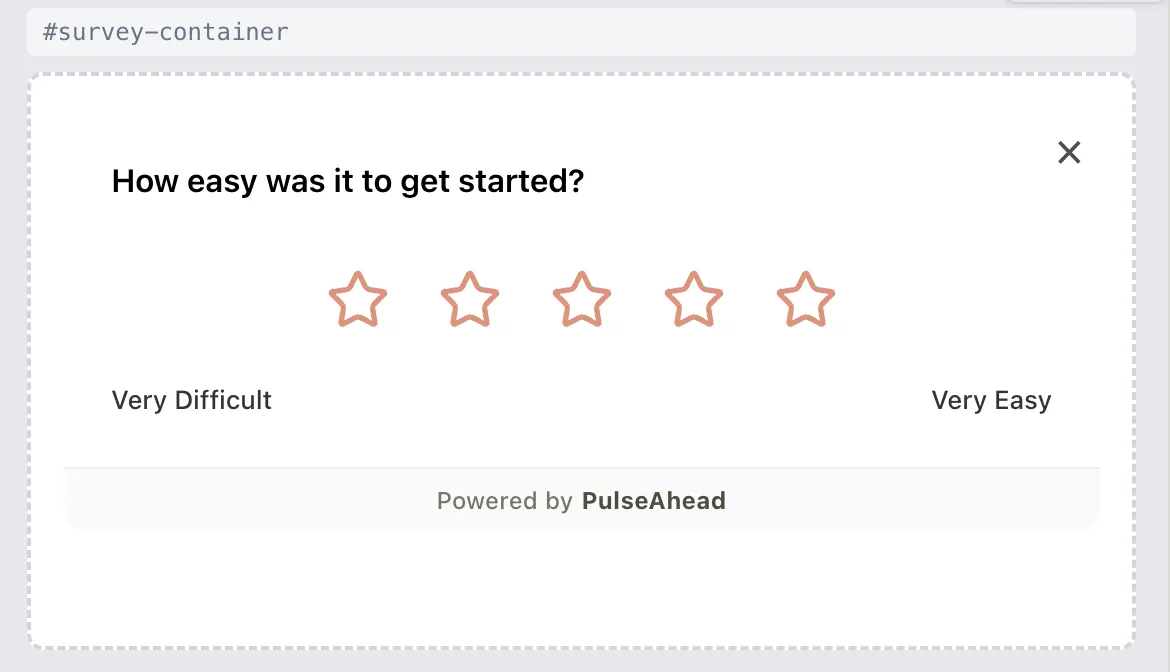
Two ways to display —
you choose what fits
Not every survey should look the same — or demand the same attention from the user. Pick the format that fits the moment and the layout. Each is fully customizable per survey.
Build surveys that feel
like your product.
Brand colors, white-label, and three widget formats. Make feedback collection seamlessly yours.
Common Questions
Everything about survey customization and branding in PulseAhead.
Will my users know this is a PulseAhead survey?
Only if you leave the default branding on. On paid plans, the 'Powered by PulseAhead' label is removed entirely. Surveys use your styling and your domain — users have no indication of the underlying platform.
How much do I need to configure to match my brand?
For most teams, it's 5-10 minutes: set your primary color, background, and border style, and choose a widget format. The survey immediately reflects your product's visual identity. You can go deeper with placement offsets if needed.
Can I have different styling for different surveys?
Yes. Styling is configured at the survey level, giving you total flexibility. You can have a different color palette, typography, and logo for every survey you create.
Does customization affect response rates?
Yes. Surveys that match your product UI get higher completion rates because they feel less like a third-party interruption. Users are more willing to engage with feedback that looks like it's part of the product experience. This is a consistent finding across user research on survey completion behavior.